DigitalStamp: franking with the Post-App
Frank parcels and have them collected
Want to frank parcels with your smartphone? DigitalStamp lets you do just that. Create your parcel labels conveniently in the Post-App. You have the choice: print parcel labels yourself or have them printed, drop off parcels yourself or have them collected.
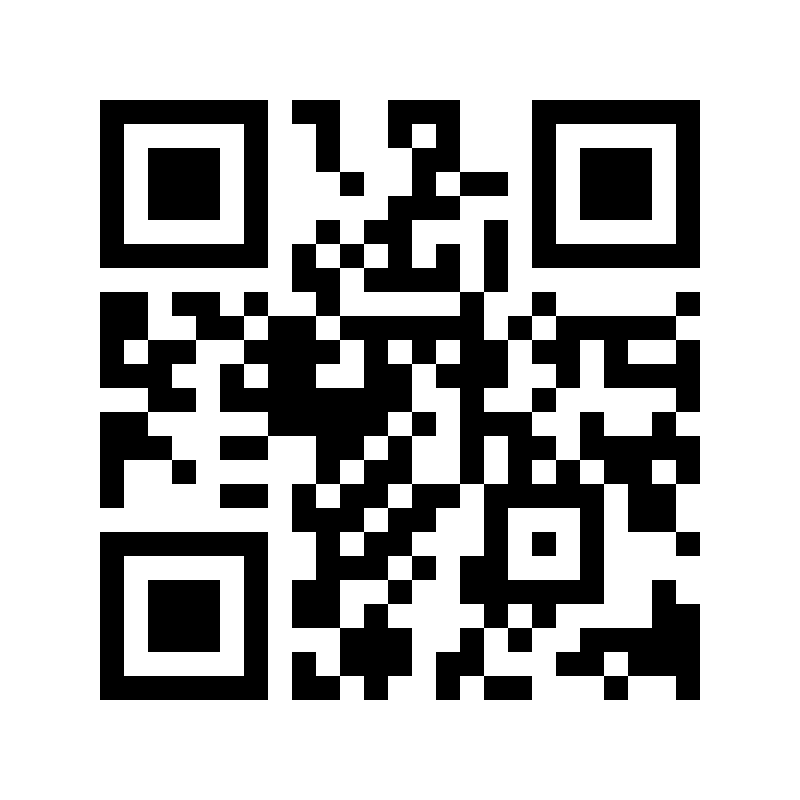
Install the Post-App and frank parcels
If you haven’t installed the Post-App yet, you can do so free of charge now. You can find the Post-App in the App Store for iOS or the Google Play Store for Android.


Select the relevant store or scan the QR code.
Here’s how DigitalStamp for parcels works
-
Open the Post-App
Select the “Send” tile and then the “Franking parcels” tile.
-
Select the dispatch type
You decide whether you want us to collect the parcel or whether you want to drop it off yourself.
-
Decide how to print the parcel label
You decide over the course of your order whether you want to print the parcel label yourself, or if you would prefer us to do it for you.
-
Enter information on the parcel and shipment
Enter all the relevant information on recipient, sender and required shipping option (weight, shipping speed and, as an option, the “Registered” value-added service).
-
Pay
Select or change the payment method and pay.
-
Send your parcel
Print out the parcel label if this is the option you selected, and then stick it on the largest side of the parcel. Drop off the parcel at your chosen collection location, or hand it over to us at one of over 2,700 handover locations.
Video: DigitalStamp
Prices
- Installation of the Post-App and the new DigitalStamp service on your smartphone is free of charge.
- You pay for the selected shipping option directly in the Post-App. There are no additional costs.
- You benefit from an online discount of CHF 1.50 per consignment.
All prices in CHF, incl. VAT.
Have parcel collected
- The parcel label is valid for 10 days and can only be used once.
- You can select a different address from your sender address for collection.
- We collect your parcel the next day or on any working day of your choice (up to 10 working days in the future). The parcel must be ready at the collection address from 7 a.m. on the collection date.
- If you opted for “Have label printed”, we will affix the parcel label upon collection.
- Do you already have a return label and want to have the parcel collected? Here’s how it works: Return parcel with label
Drop off parcel yourself
- The parcel label or parcel code is valid for 10 days and can only be used once.
- Please note the acceptance cut-off times for punctual delivery of your mail.
- You can drop off parcels with printed parcel labels at a branch, a My Post 24 terminal or a My Post Service point (Economy only).
- Do you want us to print parcel labels for you free of charge? If so, present the parcel code at a designated Swiss Post branch and hand over your parcel.
- You can also scan the parcel code at a My Post 24 terminal with a display and have the parcel label printed. Stick the label on the largest side of the parcel and place the parcel in the relevant compartment.
Available places of posting can be found directly in the Post-App via the location search.

Would you like to send a letter?
With DigitalStamp, you can also frank letters via the Post-App
Whether for A or B Mail – all you need are your smartphone and a pen. You can also frank letters conveniently with the Post-App.
General Terms and Conditions
The Swiss Post General Terms and Conditions (GTC) “Postal Services” (PDF, 87.1 KB) apply.